> ## Documentation Index
> Fetch the complete documentation index at: https://docs.valkyrieapp.azumo.com/llms.txt
> Use this file to discover all available pages before exploring further.
# Models
> Deploy, operate, and share your models from the dashboard.
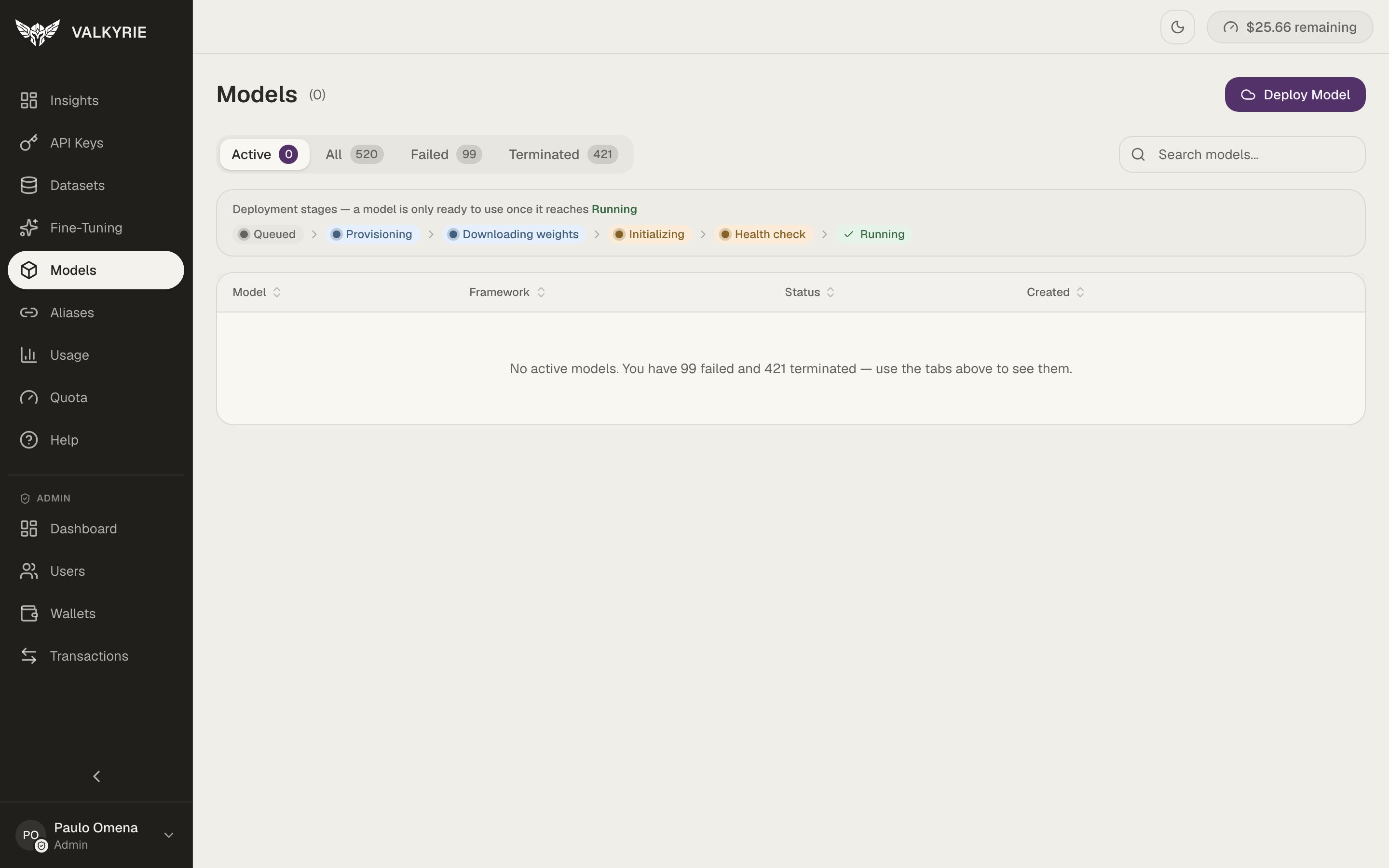
The **Models** screen is the operational heart of the dashboard. From here you deploy
models, inspect running deployments, control their lifecycle, and manage who can
access them. Tabs filter by **Active**, **All**, **Failed**, and **Terminated**.
 ## Deployment stages
A model is only ready to use once it reaches **Running**. It passes through:
```
Queued → Provisioning → Downloading weights → Initializing → Health check → Running
```
The screen shows this progression live, so you can see exactly where a starting
deployment is.
## Deploy
Start a new deployment from a base model (any Hugging Face model) or from one of your
[fine-tuned models](/dashboard/fine-tuning). See [Deploy a model](/guides/deploy-model)
for the full flow.
## Operate a deployment
Each deployment can be managed over its whole lifecycle:
| Action | What it does |
| ----------------- | -------------------------------------------------- |
| **Stop / Resume** | Release the GPU when idle; bring it back on demand |
| **Restart** | Restart the serving process without redeploying |
| **Health** | Check that the model is actually serving requests |
| **Schedule** | Start/stop automatically on a cron schedule |
| **Auto-restart** | Recover the service if it becomes unhealthy |
A running deployment holds a GPU and costs money even when idle. Use stop/resume or
a schedule to control spend, see [Quota & billing](/guides/wallet-billing).
## Share a model
You can grant teammates access to a model by email from its detail screen. The owner
can see who has access and which keys each person holds against the model, and can
revoke access, which invalidates the keys tied to that grant. Models shared with you
are marked in the models list and when creating a key.
## Get the endpoint
A ready deployment exposes an OpenAI-compatible endpoint at
`/{deployment_slug}/v1/...`. Attach an [alias](/guides/aliases) for a stable URL, and
see [Run inference](/guides/inference) to call it.
## Deployment stages
A model is only ready to use once it reaches **Running**. It passes through:
```
Queued → Provisioning → Downloading weights → Initializing → Health check → Running
```
The screen shows this progression live, so you can see exactly where a starting
deployment is.
## Deploy
Start a new deployment from a base model (any Hugging Face model) or from one of your
[fine-tuned models](/dashboard/fine-tuning). See [Deploy a model](/guides/deploy-model)
for the full flow.
## Operate a deployment
Each deployment can be managed over its whole lifecycle:
| Action | What it does |
| ----------------- | -------------------------------------------------- |
| **Stop / Resume** | Release the GPU when idle; bring it back on demand |
| **Restart** | Restart the serving process without redeploying |
| **Health** | Check that the model is actually serving requests |
| **Schedule** | Start/stop automatically on a cron schedule |
| **Auto-restart** | Recover the service if it becomes unhealthy |
A running deployment holds a GPU and costs money even when idle. Use stop/resume or
a schedule to control spend, see [Quota & billing](/guides/wallet-billing).
## Share a model
You can grant teammates access to a model by email from its detail screen. The owner
can see who has access and which keys each person holds against the model, and can
revoke access, which invalidates the keys tied to that grant. Models shared with you
are marked in the models list and when creating a key.
## Get the endpoint
A ready deployment exposes an OpenAI-compatible endpoint at
`/{deployment_slug}/v1/...`. Attach an [alias](/guides/aliases) for a stable URL, and
see [Run inference](/guides/inference) to call it.