> ## Documentation Index
> Fetch the complete documentation index at: https://docs.valkyrieapp.azumo.com/llms.txt
> Use this file to discover all available pages before exploring further.
# Aliases
> Give a deployment a stable, human-readable URL.
An **alias** is a stable, readable name for a deployment. Instead of hard-coding a
raw deployment slug in your application, you call a friendly path that you control:
```
https://valkyrie-back.azumo.com/{account_slug}/{alias}/v1/chat/completions
```
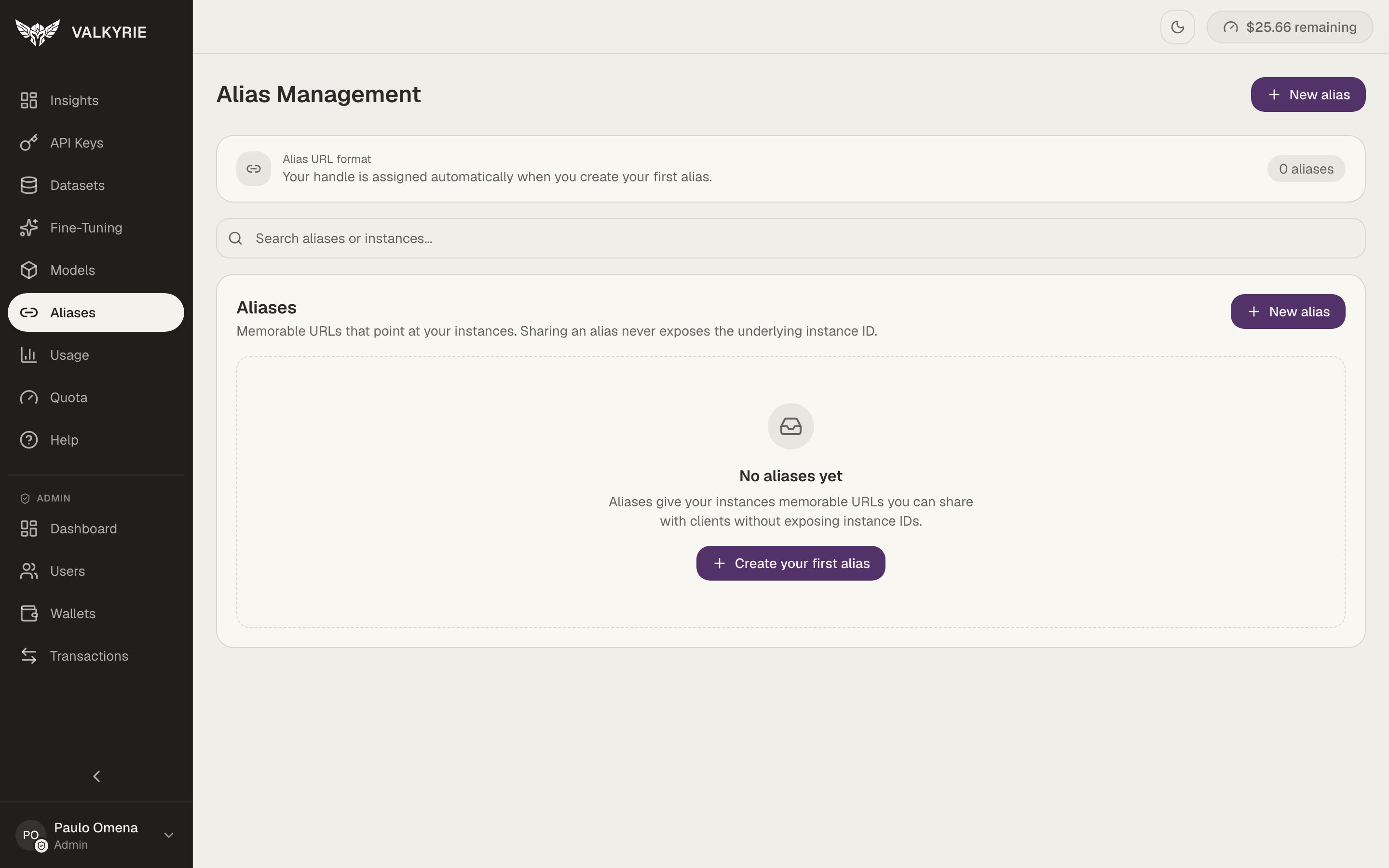 Your account **handle** (the `{account_slug}` part of the URL) is assigned
automatically when you create your first alias.
## Why use an alias
* **Stable URLs.** Redeploy or swap the underlying model without changing the URL
your applications call.
* **Readable.** `acme/support-bot` is easier to reason about than a generated slug.
* **Environment-friendly.** Keep the same alias while the deployment behind it
changes.
## Create an alias
Go to **Aliases** in the dashboard.
Create an alias and map it to one of your ready deployments.
Use the alias path in place of the deployment slug in any OpenAI-compatible
client.
Point production traffic at an alias, then move the alias to a new deployment once
you've verified it. Clients never need to change their configuration.
Your account **handle** (the `{account_slug}` part of the URL) is assigned
automatically when you create your first alias.
## Why use an alias
* **Stable URLs.** Redeploy or swap the underlying model without changing the URL
your applications call.
* **Readable.** `acme/support-bot` is easier to reason about than a generated slug.
* **Environment-friendly.** Keep the same alias while the deployment behind it
changes.
## Create an alias
Go to **Aliases** in the dashboard.
Create an alias and map it to one of your ready deployments.
Use the alias path in place of the deployment slug in any OpenAI-compatible
client.
Point production traffic at an alias, then move the alias to a new deployment once
you've verified it. Clients never need to change their configuration.