> ## Documentation Index
> Fetch the complete documentation index at: https://docs.valkyrieapp.azumo.com/llms.txt
> Use this file to discover all available pages before exploring further.
# Datasets
> Upload and manage the datasets you fine-tune on.
Datasets are the training data for your fine-tuning jobs. You upload a dataset once
and reference it from any number of jobs.
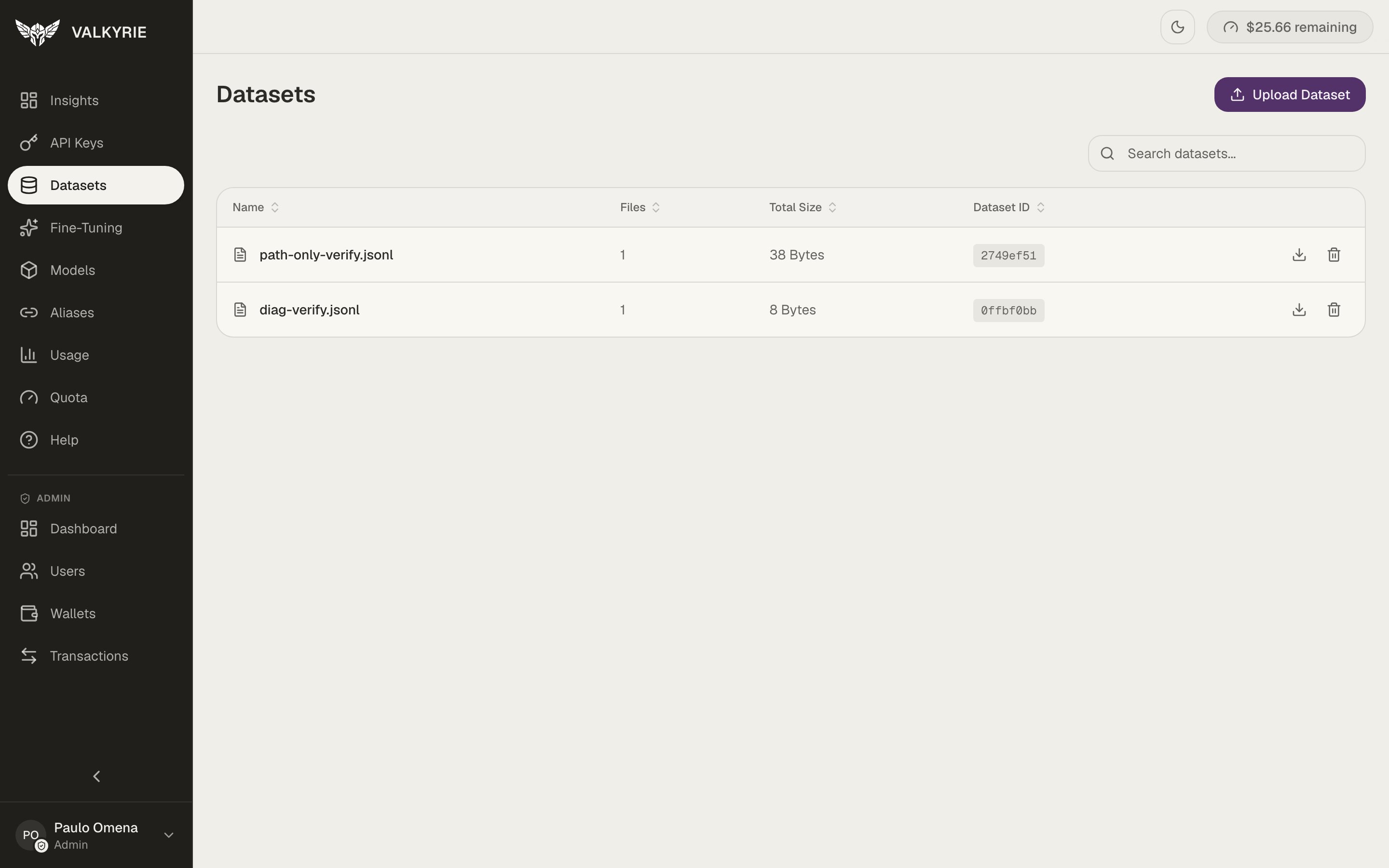 ## Upload a dataset
In the dashboard, go to **Datasets** and choose to add a new dataset.
Provide your dataset file. Valkyrie issues a secure upload URL and stores the
file for you.
When you create a [fine-tuning job](/guides/fine-tuning), select this dataset as
the training data.
## Formatting your data
Fine-tuning expects structured conversational or instruction data. A common,
portable shape is JSON Lines (`.jsonl`), one training example per line, for example
a chat-style record:
```json theme={null}
{"messages": [{"role": "user", "content": "..."}, {"role": "assistant", "content": "..."}]}
```
Keep examples consistent in structure and representative of how the model will be
prompted in production. Quality and consistency matter more than raw volume.
## Managing datasets
From the Datasets screen (or via the [MCP tools](/mcp/tools)) you can:
* **List** your datasets and inspect their metadata.
* **Download** a dataset with a temporary signed URL.
* **Delete** a dataset you no longer need.
Datasets are stored in object storage. Deleting a dataset does not affect models
you've already trained from it.
## Upload a dataset
In the dashboard, go to **Datasets** and choose to add a new dataset.
Provide your dataset file. Valkyrie issues a secure upload URL and stores the
file for you.
When you create a [fine-tuning job](/guides/fine-tuning), select this dataset as
the training data.
## Formatting your data
Fine-tuning expects structured conversational or instruction data. A common,
portable shape is JSON Lines (`.jsonl`), one training example per line, for example
a chat-style record:
```json theme={null}
{"messages": [{"role": "user", "content": "..."}, {"role": "assistant", "content": "..."}]}
```
Keep examples consistent in structure and representative of how the model will be
prompted in production. Quality and consistency matter more than raw volume.
## Managing datasets
From the Datasets screen (or via the [MCP tools](/mcp/tools)) you can:
* **List** your datasets and inspect their metadata.
* **Download** a dataset with a temporary signed URL.
* **Delete** a dataset you no longer need.
Datasets are stored in object storage. Deleting a dataset does not affect models
you've already trained from it.