
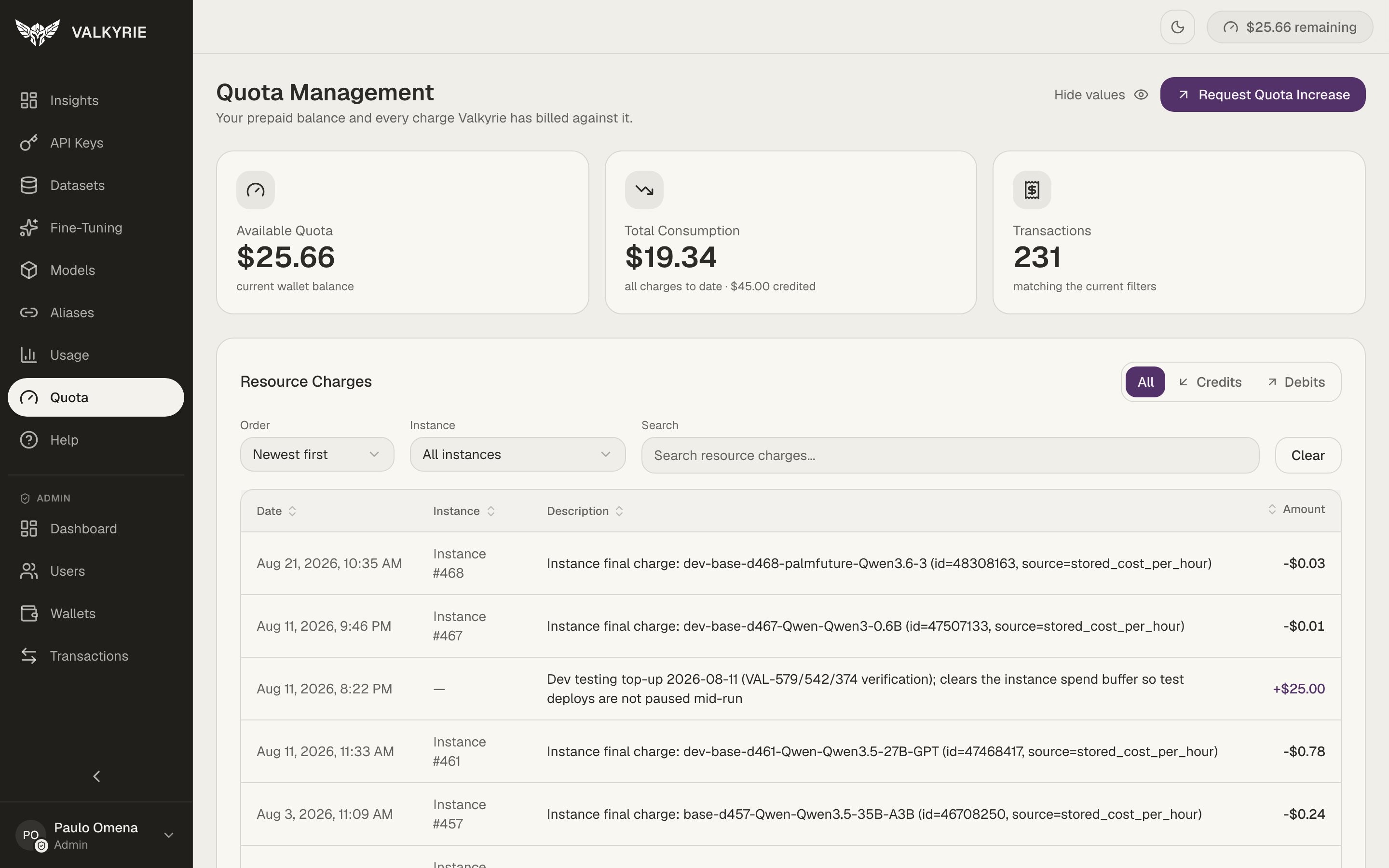
Quota Management: balance, consumption, and resource charges.
The headline cards
A Hide values toggle blanks the amounts for screen-sharing, and Request Quota
Increase starts a request for more balance.
Resource charges
The table lists every credit and debit, filterable by All / Credits / Debits, orderable, and searchable by instance. Each row shows the date, the instance the charge came from, a description (for example an instance’s final hourly charge), and the amount. This is the auditable ledger your balance is computed from.Charges are per-use, for example, a deployment’s GPU time is billed per hour it
runs. Stopping idle deployments is the main lever on your spend; see
Models.