
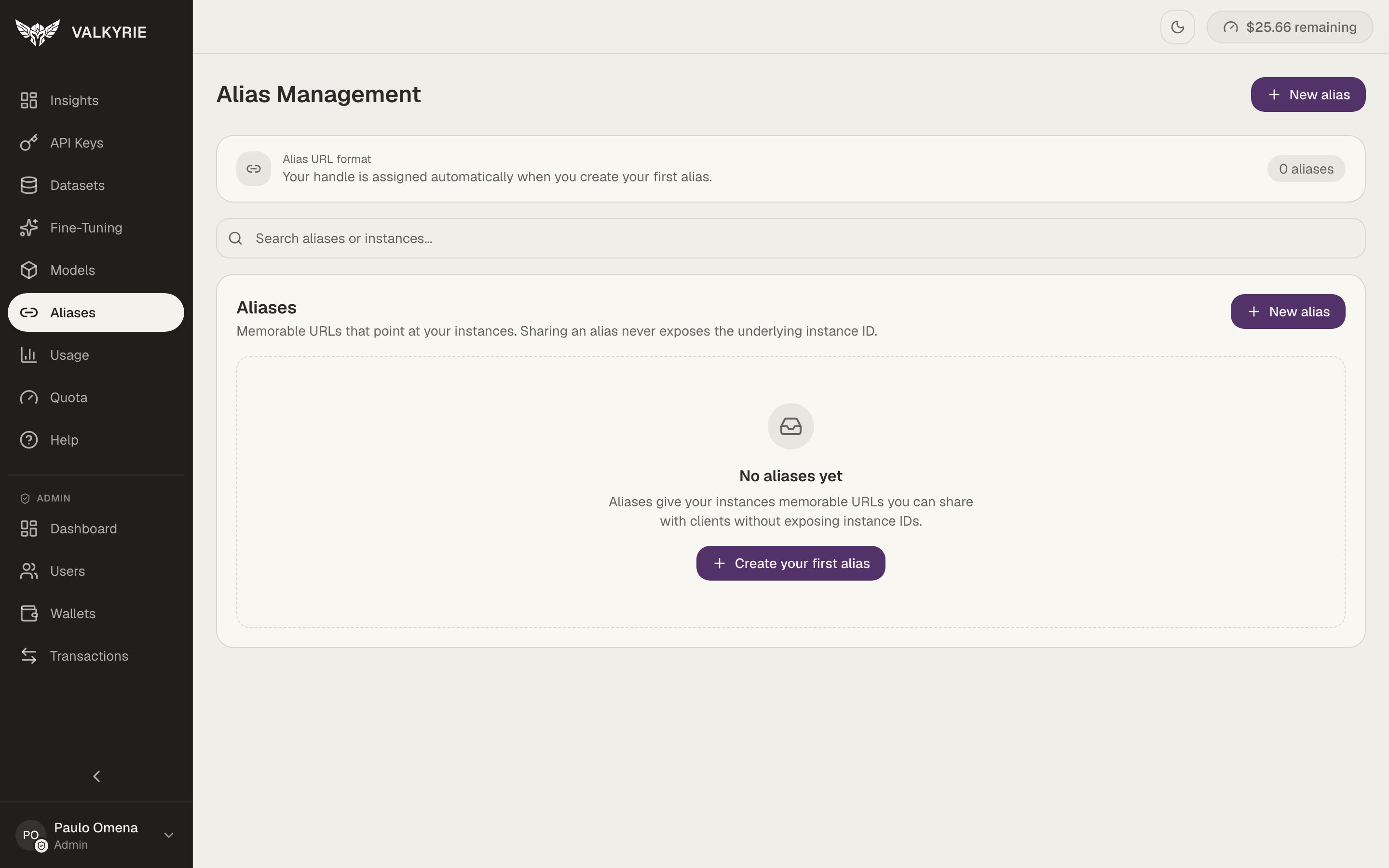
Alias Management. Sharing an alias never exposes the underlying instance ID.
{account_slug} part of the URL) is assigned
automatically when you create your first alias.
Every deployment already has a URL
You don’t have to create an alias. Every deployment is reachable at a default, non-guessable URL (a random public id), so it’s never addressed by a guessable sequential number. An alias is an optional, memorable name you add on top when you want something friendlier than the default id.Why add an alias
- Memorable.
acme/support-botis easier to share and reason about than the default public id. - Stable and re-pointable. Keep the same alias while you swap the deployment or pool behind it, so your applications never change their configuration.
Create or manage aliases
You’ll use this to add a custom alias (a name you choose) on top of a deployment’s default URL, or to manage an existing one. An alias is also offered as an optional field when you deploy a model.1
Open Aliases
Go to Endpoints and click Aliases. From an endpoint’s page, you can
also use the Create one link next to its URL.
2
Pick a target
Click New alias, enter a name, and choose a Target. The picker lists
your deployments under Deployments and your pools under Inference
pools. A disabled pool is marked disabled.
3
Call it
Use the alias path in place of the deployment slug in any OpenAI-compatible
client.
list_aliases,
create_alias, update_alias, and delete_alias. See
MCP tools.
Re-point an alias
An alias name is fixed once created, but you can re-point it at a different target at any time (to rename, delete it and make a new one). Edit the alias and pick another deployment or pool. You can move an alias from a deployment to a pool and back. Point production traffic at an alias, then move the alias to a new target once you’ve verified it. Clients never need to change their configuration.Point an alias at an inference pool
Use a pool alias to spread traffic over several deployments of the same model behind one memorable URL. Valkyrie sends each request to a pool member with a free request slot, and the pool’s queueing, retry, and health checks apply as they do on the pool itself.- Only the pool owner can target a pool. The pool must also be in the same
workspace as the alias. Otherwise Valkyrie answers
404. - Call it with an account-wide API key. Keys scoped to one endpoint
(
vk_dep_keys created for a single endpoint), thevk_mcp_key, and dashboard sessions get403. See API keys. - OpenAI-compatible routes only. A pool alias serves
/v1/chat/completions,/v1/completions, and/v1/models. The Anthropic/v1/messagesroutes and/litellm/...routes return400. - Session affinity. Send an
X-Session-Affinityheader (orX-Affinity-Key) to keep one session on one member and reuse its prompt cache. Without it, Valkyrie uses the request’suserfield, then the start of the prompt.
model you pass.
A pool alias adds two routes:
On a deployment alias, both routes return
404.