
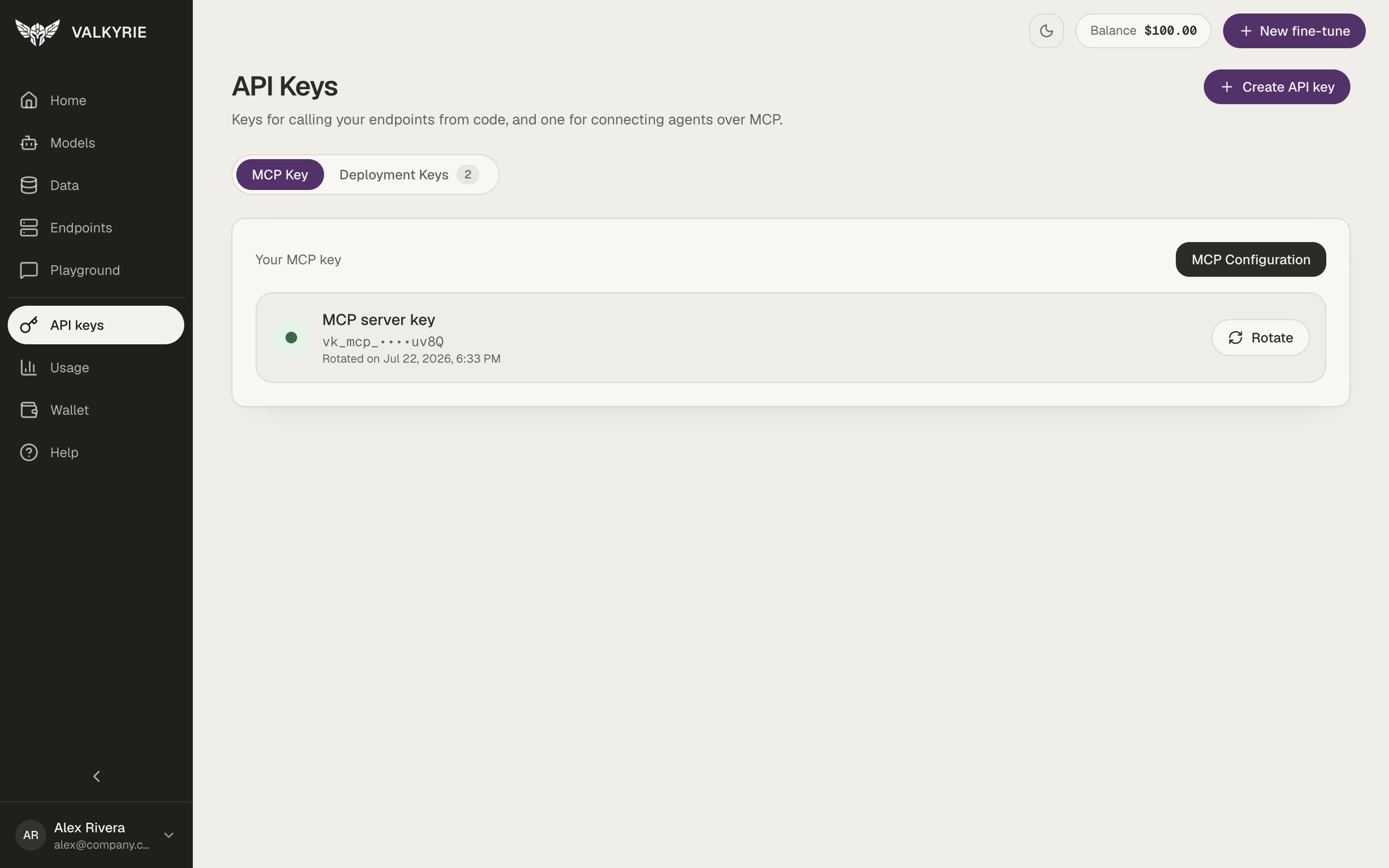
The API keys screen, MCP Key tab.
MCP key
You have a single MCP server key (prefixedvk_mcp_) used to connect the
MCP server. It acts in your personal workspace. Rather than creating many, you rotate it when you
need a fresh secret, the old value stops working once rotated. The MCP
Configuration button gives you the ready-to-paste connection settings for your
client. Your client must send the key in an X-API-Key or
Authorization: Bearer header on every request. See
Set up the MCP server for client-specific examples.
Deployment keys
The Deployment Keys tab holds the keys (prefixedvk_dep_) that call your
endpoints. Create one with Create API key, or from an
endpoint’s page with Create a key for this endpoint, which also gives you a
ready-to-paste config with the base URL, the key and the model name. See
Create a key for an endpoint.
A deployment key belongs to the workspace you create it in: it reaches only that
workspace’s models, and stops working if you leave the workspace. The create page
names the workspace. See Workspaces and teams.
When you create a key, choose its scope:
- One endpoint. The list offers endpoints that run now or come back: active ones (pending, starting, or running), paused ones, and ones off on their schedule. Terminated and failed endpoints are not offered.
- Account-wide. The key is not tied to a single endpoint.
Using a key
Send the key in theX-API-Key header (the OpenAI SDKs send it as a bearer token,
which is also accepted):
Keys are environment-specific, a key issued in one environment won’t work against
another.